Zone
Instructions
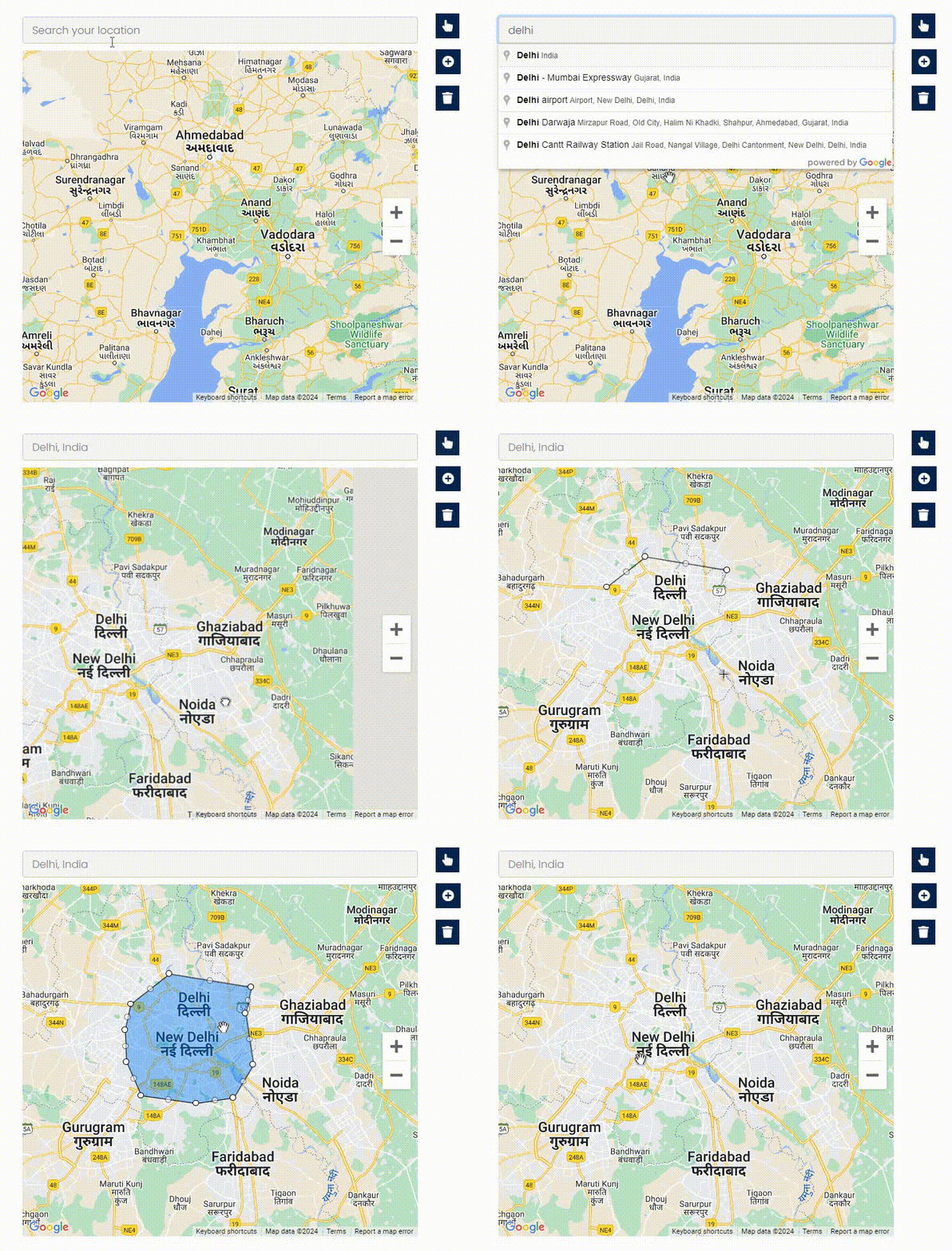
Allow users to define the boundary of the business zone interactively on the map by clicking to add points or dots.
Use the "Hand Tool" to drag the map and select your desired location.
Use the "Shape Tool" to highlight areas and connect the dots. A minimum of three points/dots is required.
Use the "Trash Tool" to remove the selected area.